Donation page - how to provide support
It's been over 30 years since I became a dancer. It is widely known that 1 in 100 dancers make a living purely from dancing.
Even I was once among the lucky 1% of dancers who made a living from their favorite activity. But that was a long time ago.
Since then, I have been making a living through various side jobs, work-for-hire agreements, and also as a classic part-time employee.
Maintaining your dance skills at a high level or even improving them requires constant investment - in training, studio, hall rental, and so on....
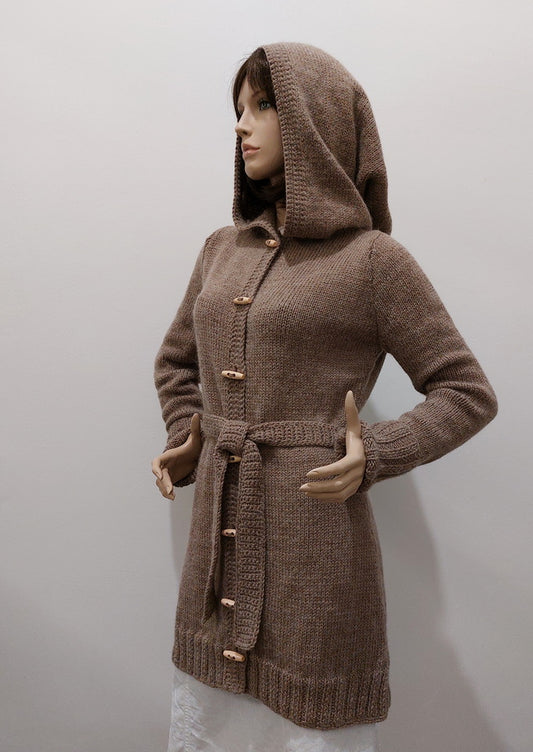
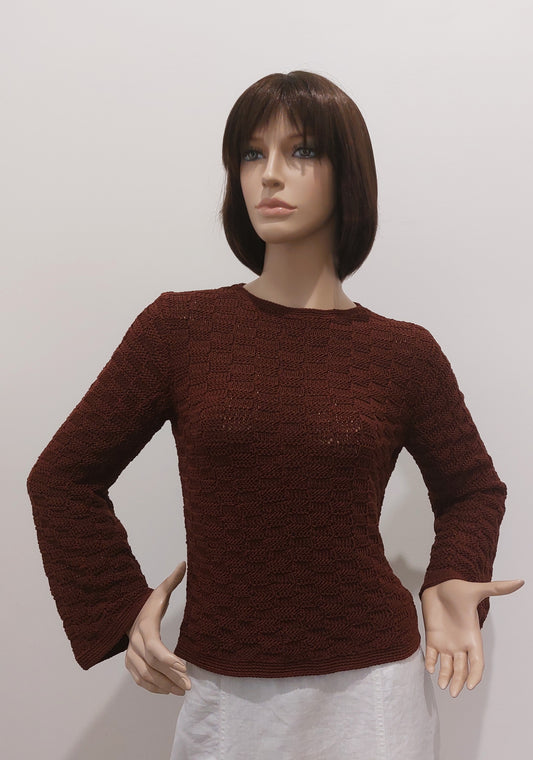
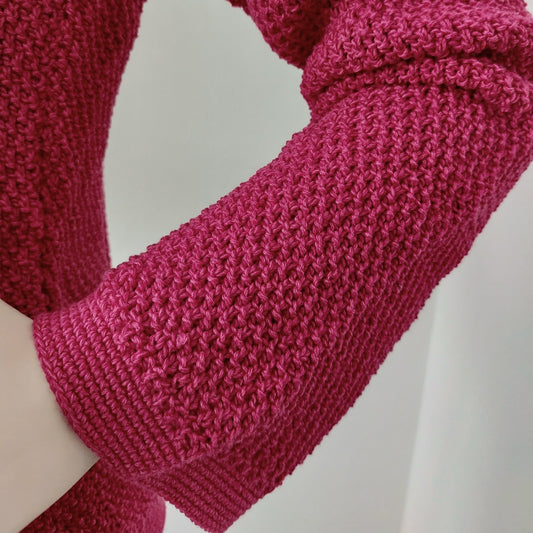
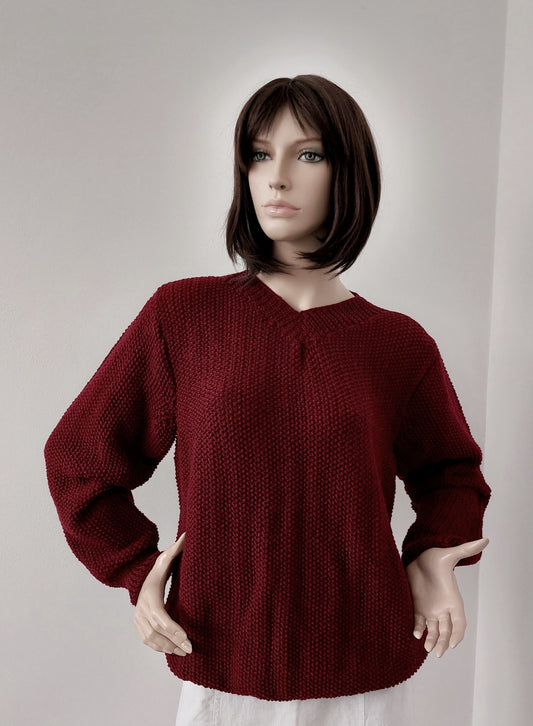
Some time ago, I started knitting sweaters and clothing accessories (see the e-shop offer), hoping that it would be easier to earn some extra money to invest in dance.
It's still not easy. And when I found an offer in my PayPal account to set up a donation page to receive financial support, I accepted it.
Why?
1) it is an official site for receiving legal funds provided to support the recipient.
2) The donor will receive an official receipt of the donation.
3) I keep getting messages in my email announcing that various funds or financially secure individuals have decided to donate quite large sums of money to me - just like that - probably for my "beautiful eyes" (Oh yes, I used irony - I don't believe them).
So I decided to provide all those funds and individuals with a different way to provide the financial support they offer - a way that I believe provides unconditional support and protects against illegal activities.
4) The donor, if he wants, can attach a condition to the gift and I will retain the free choice to decide whether to fulfill this condition or return the gift....
(I'm not making a blank deal, I've already been blackmailed (and not just me).
5) Small amounts are enough, maybe just 20, 50 or 100 CZK. Hundreds of thousands and millions offered in emails are really extremely untrustworthy.
It's up to you.
And now practically - how to do it?
1) Click on the link arrow next to the photo below the article. Or display this QR code on another device (print it on paper) and use your phone's camera to scan it into your Google browser (Chrome). This will open the donation page.

2) Enter the amount you want to donate.
3) Select the purpose for which the amount is intended.
4) Decide whether you want to add an amount to cover PayPal fees - add fees by checking the box.
5) Choose the method you want to donate. If you don't have a PayPal account, select - donate using a debit or credit card (here you will be offered to create an account - this is not necessary. Just uncheck the option to create one)
6) Fill in the details and complete the payment process
7) If you change your mind during the process, you have the option to cancel before completion...
8) A donation confirmation will be sent to your PayPal email address.
I'll just ask for feedback if something doesn't work. Thank you very much
And that's all.
If I have your email in the information provided, I will send information where you can find everything about the use of your donated funds.....
You can also follow my communication profiles on Instagram and YouTube.
PS: the donation page for our adopted animals works in a similar way, as does the tip jar, which you can also find on this website.
Thank you for your attention and support. Monika
(Machine translated)